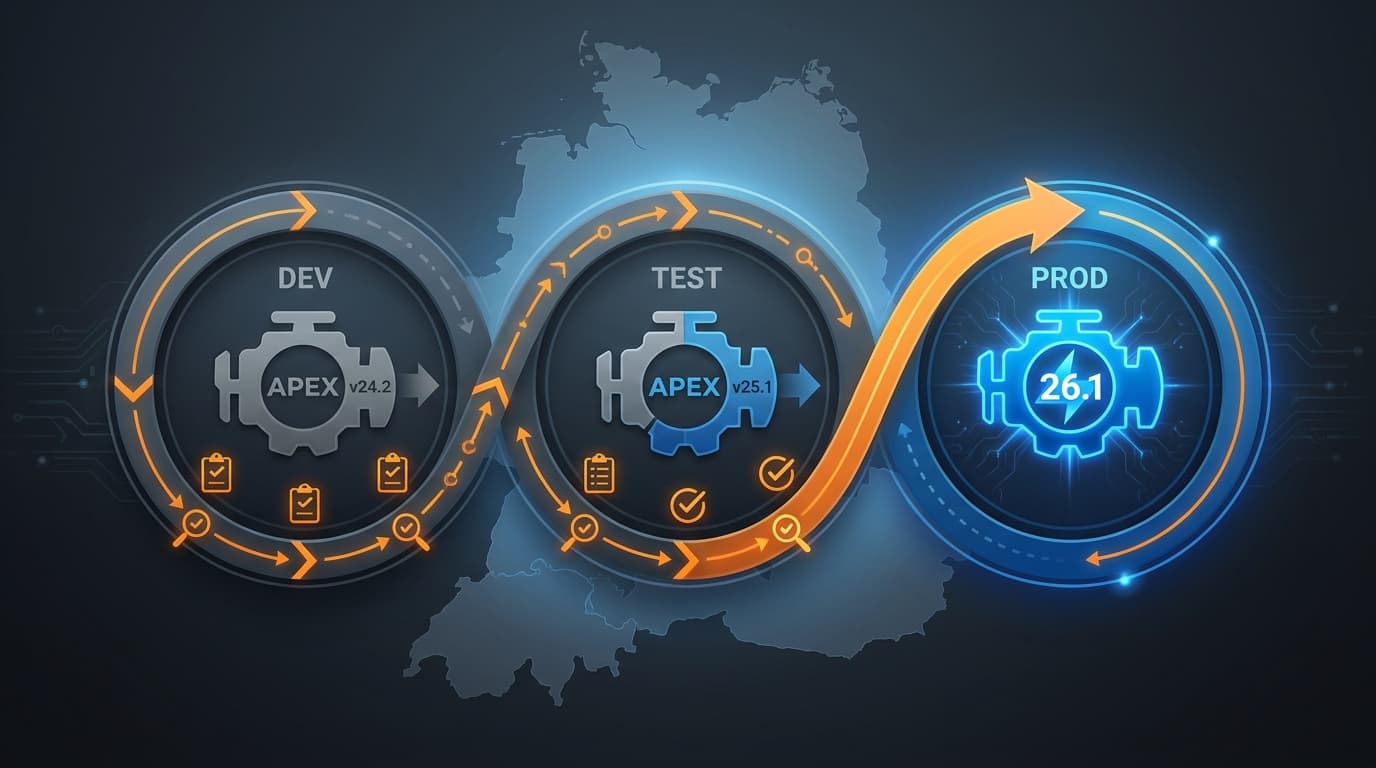
Every major APEX release brings the same two reactions inside enterprise IT. The platform team wants to upgrade immediately; the operations team wants to wait for the patch set. APEX 26.1 is large enough that both reactions are legitimate. This is a practical upgrade plan that lets a DACH enterprise adopt 26.1 deliberately — capturing the benefits without surprising change-management boards.
Why 26.1 deserves a real plan
Most APEX upgrades are uneventful. 26.1 is not most upgrades. Three things demand more planning than usual:
- APEXlang changes how your developers will work. It is opt-in for now, but the workflow shift is real — see our walkthrough of APEX in Git.
- Universal Theme 26.1 "Iris" introduces a refreshed look. If you heavily customised the previous theme, expect regression work (details in our guide to Iris and Font APEX 2.5).
- AI features (Interactive Reports, AI Agents) require policy decisions before they are enabled in production.
None of these block the upgrade. All of them benefit from being thought through in advance instead of discovered during release week.
Phase 0 — Pre-upgrade audit (Week 0–1)
Before touching any environment:
- Inventory. List every APEX workspace, every application, and the responsible business owner. If this list does not exist, the upgrade has just paid for itself by forcing you to make one.
- Customisations. Identify applications using customised Universal Theme files, custom JavaScript libraries, or non-trivial CSS overrides. These need the most regression testing.
- Integrations. Note REST endpoints exposed by APEX, REST Data Sources consumed by APEX, and any ORDS configuration. None of these change in 26.1, but the inventory is needed for sign-off.
- Backups. Confirm restoration procedure works. Document the rollback path.
Phase 1 — Development upgrade (Week 1–2)
Upgrade your Dev workspace first. Then:
- Run a smoke test on the three most active applications. Look for theme regressions first, then form behaviour, then any custom plugin behaviour.
- Walk one application through the APEXlang export. Commit the output to a fresh repository. This is the moment your developers start forming opinions about how the new workflow feels — let them form them in a low-stakes environment.
- Pick one Interactive Report and enable the AI experience on a dev copy. Capture screenshots; you will need them for the policy conversation in Phase 3.
Phase 2 — Test upgrade (Week 2–3)
Upgrade Test. Then:
- Run your regular regression pack against every business-critical application. Allocate budget for visual regression review of theme changes.
- Have one user-acceptance group sit with the upgraded environment for half a day. Their job is to find the small things — keyboard tab order, focus rings, label spacing — that automated tests miss.
- Document any defects, group them by severity, and route them through your normal triage. Most teams find the issue list short; the surprises are nearly always in custom theme territory.
Phase 3 — Policy decisions (Week 3)
Before Prod, decide three things in writing.
APEXlang adoption sequence. Which application becomes the first to live in Git? Who is responsible for the repository, the Static ID standards, and the CI validation? Pick one application now, plan two more over the next quarter, and resist the temptation to roll out everywhere at once.
AI Interactive Reports policy. On which reports is the AI experience allowed? Which user groups can access it? How are AI-driven changes logged, and how long is the log retained?
AI Agents and Tools policy. Are agents allowed in production at all yet, or only in pilot? Which tool flavours (PL/SQL, JS, REST) are pre-approved? Who reviews new tool additions?
These decisions belong on paper before anyone clicks "enable" in Prod. Compliance teams will ask, and you want a memo to point to, not a meeting to schedule.
The fastest production rollouts are the ones with the slowest policy decisions. The policy decision is the part that survives the next auditor visit.
Phase 4 — Production upgrade (Week 4)
Run the upgrade during a standard maintenance window. Have rollback documented, tested, and pre-approved. Communicate to business owners that the AI features remain off in Prod unless and until the Phase 3 decisions are signed.
Post-upgrade verification is conservative:
- Confirm login and SSO flows on three representative applications.
- Confirm one read-heavy report and one write-heavy form on each business-critical application.
- Confirm ORDS health and external REST consumers.
- Watch error logs for the first 24 hours.
Phase 5 — Capability rollout (Weeks 4–12)
Now the staged adoption begins.
- Week 4–6: First application onto APEXlang with full CI/CD. The team that owns this application becomes your internal centre of practice.
- Week 6–8: First AI Interactive Report pilot with the user group you briefed in Phase 2. Capture metrics on adoption, edits-to-chips, and any cases where users hit the limits of the chip vocabulary.
- Week 8–10: First narrowly-scoped AI Agent on a non-critical workflow. Three named tools, audit log on, opt-in users only.
- Week 10–12: Retrospective and broader plan. By now you have evidence, not opinions.
What to budget for that is not obvious
Three line items that often get under-estimated:
- Theme regression work if you customised Universal Theme. Plan one developer-week per heavily-customised application.
- Static ID adoption for the first APEXlang application. One developer-week per medium-complexity application.
- Policy authoring time for the AI feature decisions. Half a working week of joint time between platform owner, security and legal.
The case for not waiting for 26.2
The most common reason teams skip a major APEX release is "we will do the next one instead." The cost of that strategy is real: another year of awkward exports, another year of no AI surface, another year of the platform conversation happening without you. 26.1 is a release where the new capabilities have a long payoff curve. The sooner the first three applications are on APEXlang, the sooner everything that comes next becomes easier. A measured, phased plan gets you there without scaring anyone.