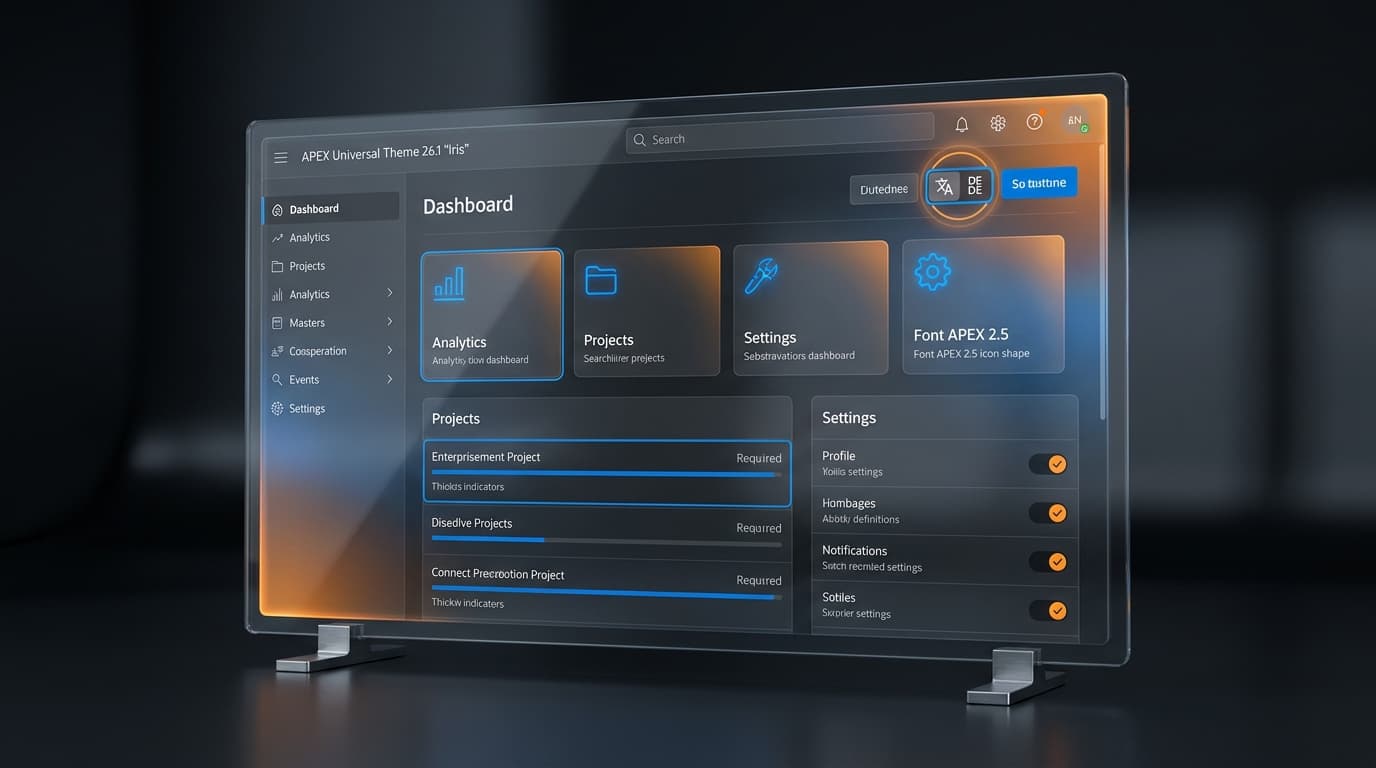
If APEXlang, AI Interactive Reports and AI Agents are the headline of 26.1, Universal Theme 26.1 is the part your business owners will see first. Oracle has shipped a new style called Iris, refreshed the icon library as Font APEX 2.5, improved accessibility throughout, and reworked how translations work. None of these change architecture, but together they change perception — both for end-users and for whoever owns your accessibility statement.
Iris: a quieter, more current style
Iris is the new default style in Universal Theme 26.1. It carries an updated Oracle-branded look — more restraint in colour, sharper type hierarchy, less visual chrome. Out of the box, applications look more contemporary without anyone changing a CSS line.
If your organisation runs custom themes derived from older Universal Theme styles, Iris is a useful prompt to revisit those customisations. Many of them were workarounds for things Iris now handles natively.
Font APEX 2.5
The icon library that ships with APEX has had its largest refresh in years. New glyphs, updated existing ones, better metrics for alignment. Two practical implications:
- Existing applications get a free visual lift wherever they use Font APEX icons.
- Custom icon sets that filled gaps in the previous library may now be redundant — worth an audit before the next rebuild.
Accessibility improvements that matter
Accessibility is not glamorous, but it is increasingly enforceable. The European Accessibility Act, German BFSG and Austrian WZG put public-facing private-sector applications under a duty of care that auditors are now actively checking. Universal Theme 26.1 advances the baseline:
- Improved focus indicators across components.
- Better keyboard-only navigation through complex regions.
- Refined colour contrast in default styles.
- More consistent ARIA semantics out of the box.
For most teams, the upgrade quietly closes several findings that would otherwise have appeared in the next accessibility audit. That alone justifies a careful look at the theme migration.
Message-based application translations
This is the change DACH multi-language teams will appreciate most. Historically, APEX translations were tied to component-level repository entries — manageable for small applications, painful for large ones with shared phrasing. Universal Theme 26.1 introduces message-based translations, which move translatable text into reusable Text Messages.
The benefits are practical:
- One canonical version of every phrase ("Save", "Cancel", "Are you sure?") reused across pages and applications.
- Translation files exchangeable in standard formats with external translators.
- Easier sync when phrasing evolves — change once, propagate everywhere.
- Smaller translation repositories per application, since shared text lives at workspace level.
Teams that maintain parallel EN/DE/FR/IT applications, common across DACH service providers and pan-European industrial groups, save real hours on every release cycle.
The visible features of a release are what users see. The invisible features — translations that stay in sync, accessibility that does not regress — are what keeps your application out of trouble.
Practical checklist when adopting 26.1's visual layer
- Run Iris on a development copy. Walk the three most visible applications. Note any layout regressions, especially in custom regions or grids — ideally as part of a staged 26.1 upgrade.
- Re-audit accessibility. Use whichever tool your accessibility team prefers (axe, WAVE, Lighthouse) on Iris-styled pages. Document the deltas from the previous theme.
- Inventory custom icons. Check whether Font APEX 2.5 now covers gaps you filled with custom SVGs.
- Plan a translation refactor. If your application has more than three languages, set aside time in the next quarter to move shared phrasing into message-based translations.
- Brief business owners on Iris. They will notice. Setting expectations beforehand turns "what happened to our app" into "they refreshed the theme."
The wider point
The headline features of APEX 26.1 will get the technical press. The theme and translation changes will get the production reality. Both matter. The visual layer is what makes an APEX application feel current to a non-technical user, and current matters more for adoption than any feature list. Treat Iris not as a redecoration but as a quiet upgrade of the trust your application earns the moment someone opens it.