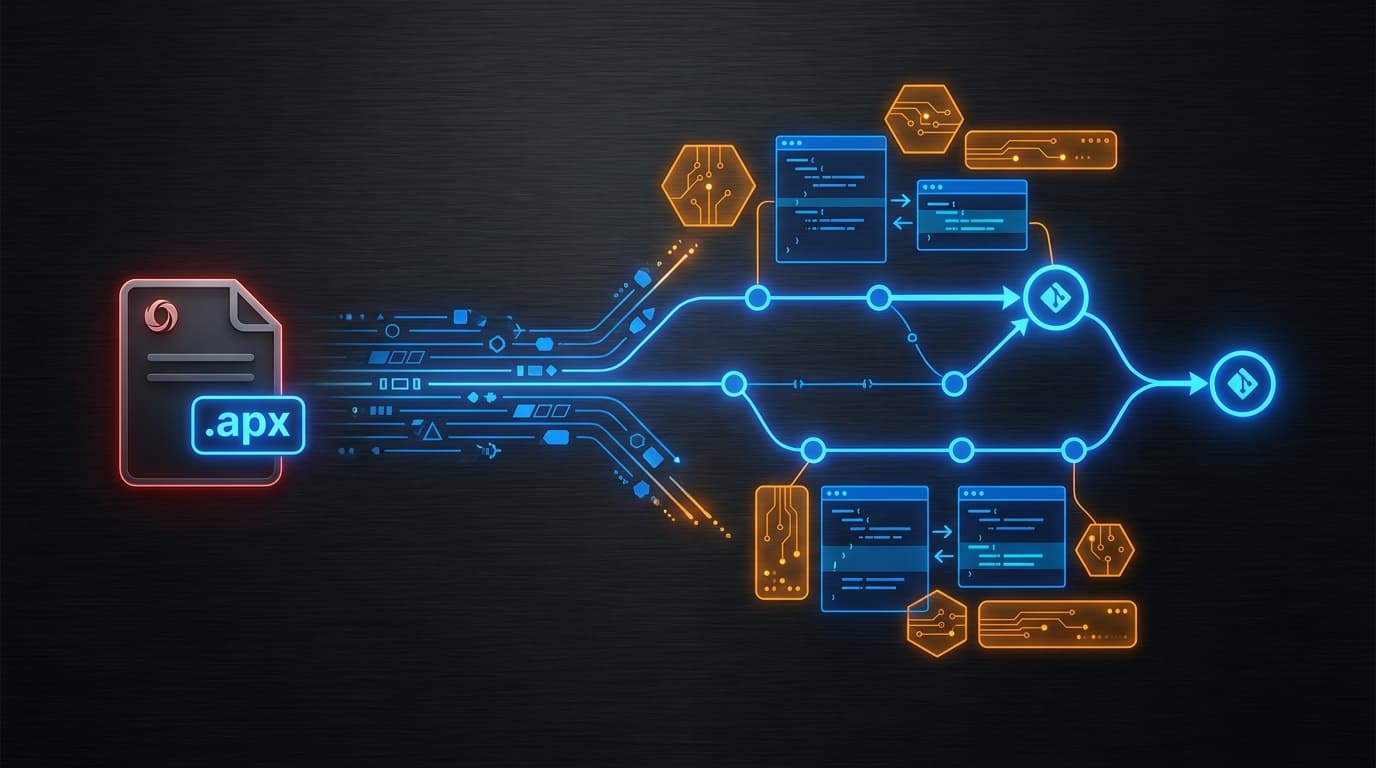
If you have ever tried to do a proper pull request review on an Oracle APEX application, you know the joke. The exported install script is technically text, but it is the kind of text that makes Git scream and reviewers quietly approve without reading. APEX 26.1 introduces APEXlang, and for the first time the APEX source-control story stops requiring an apology.
What APEXlang actually is
APEXlang is a declarative, human-readable specification language for Oracle APEX applications. An APEX application is represented as a package of structured .apx text files — one per logical artifact (page, region, item, process, computation, list-of-values, shared component, and so on). The files are designed to be:
- Readable by humans without tooling.
- Versionable with normal Git workflows.
- Validatable through SQLcl before import.
- AI-ready as input for code generation and review.
- Natively supported in Oracle SQL Developer for VS Code and in Page Designer's new APEXlang View.
The important shift is that APEXlang is the specification, not the export. You can author and review APEX changes in .apx form, then import them into the workspace; the metadata in the database stays the source of truth at runtime, but the source code in Git is now the source of truth for change management.
Why this matters more than it sounds
For most stacks, source control is invisible plumbing. For APEX, it has been a structural friction point. Three things have hurt APEX teams in DACH for years:
- No real diffs. SQL install scripts re-render generated IDs, timestamps and inscrutable XML. Diffs were always noisy.
- No real reviews. Without diffable text, code review devolved into "trust the developer."
- No real CI/CD. Without diffable, validatable text, automated quality gates were impossible.
Each of those is now solved.
How a change moves through Git
The mental model that helps: APEXlang adds a clean intermediate layer between the developer's environment and the workspace metadata. Roughly:
- Developer makes changes in App Builder, in VS Code, or directly in
.apxfiles. - Changes are exported as APEXlang into the working copy.
- Developer commits to a feature branch, pushes, opens a pull request.
- Reviewers see structured, semantic diffs — page A added an item, region B changed its source query, list of values C gained two static entries.
- CI runs SQLcl-based validation against the branch and reports failures back on the PR.
- On merge, a deployment job imports the APEXlang into Test, then promotes to Prod.
None of these steps are new ideas for software engineering. The new part is that all of them are now realistic for APEX without a custom in-house framework.
Static IDs: the small change that makes diffs sane
Historically, APEX components were referenced by internal numeric IDs that shifted whenever you re-exported. That made diffs essentially useless: rename one item and half the file rewrites.
APEXlang relies on Static IDs: stable, developer-controlled identifiers that survive renames and moves. The result is the unglamorous but enormous improvement that a one-line change in App Builder produces a one-line change in the .apx file. Reviewers can finally believe what they read.
What a workflow looks like in practice
A pragmatic adoption sequence for a team running, say, twelve APEX applications:
- Pick one mid-complexity application. Not the simplest, not the most critical. You want enough surface to learn against.
- Export it once to APEXlang. Commit the result to a fresh repository as the baseline.
- Adopt Static IDs. Walk through the application and assign meaningful Static IDs to pages, regions and items. This is the one-time tax for clean diffs going forward.
- Set up SQLcl validation in CI. Any modern CI runner works — the key is that branches cannot merge if APEXlang fails validation.
- Write a deployment script. Start simple: import to Test on merge to
main, manual approval to Prod. - Roll the pattern to the next two applications. Resist the temptation to do all twelve at once.
The teams that get the most out of APEXlang are the ones that treat the first application as the learning project and the next three as the rollout. The ones who try to migrate everything in a single quarter usually lose the thread.
What APEXlang does not solve
Two honest caveats. First, APEXlang covers application metadata; it does not version-control your database objects. You still need a separate schema-change strategy (Liquibase, Flyway, SQLcl projects, or your own house style). Second, APEXlang is still new — tooling and conventions are evolving. Expect to revisit your conventions after six months.
The longer view
APEXlang is the kind of change that lets a platform grow up. Without it, APEX shops were always going to be slightly outside the engineering conversation — different review tools, different deployment scripts, different vocabulary. With it, an APEX pull request looks and behaves like every other pull request in the organisation.
That is the precondition for everything else 26.1 enables: AI-assisted change generation that is reviewable, audit trails that an external auditor can actually trace, and a workflow your senior engineers will not roll their eyes at. The headline features get the press; APEXlang is what makes them stick. When you are ready to adopt, start with our pragmatic APEX 26.1 upgrade plan.