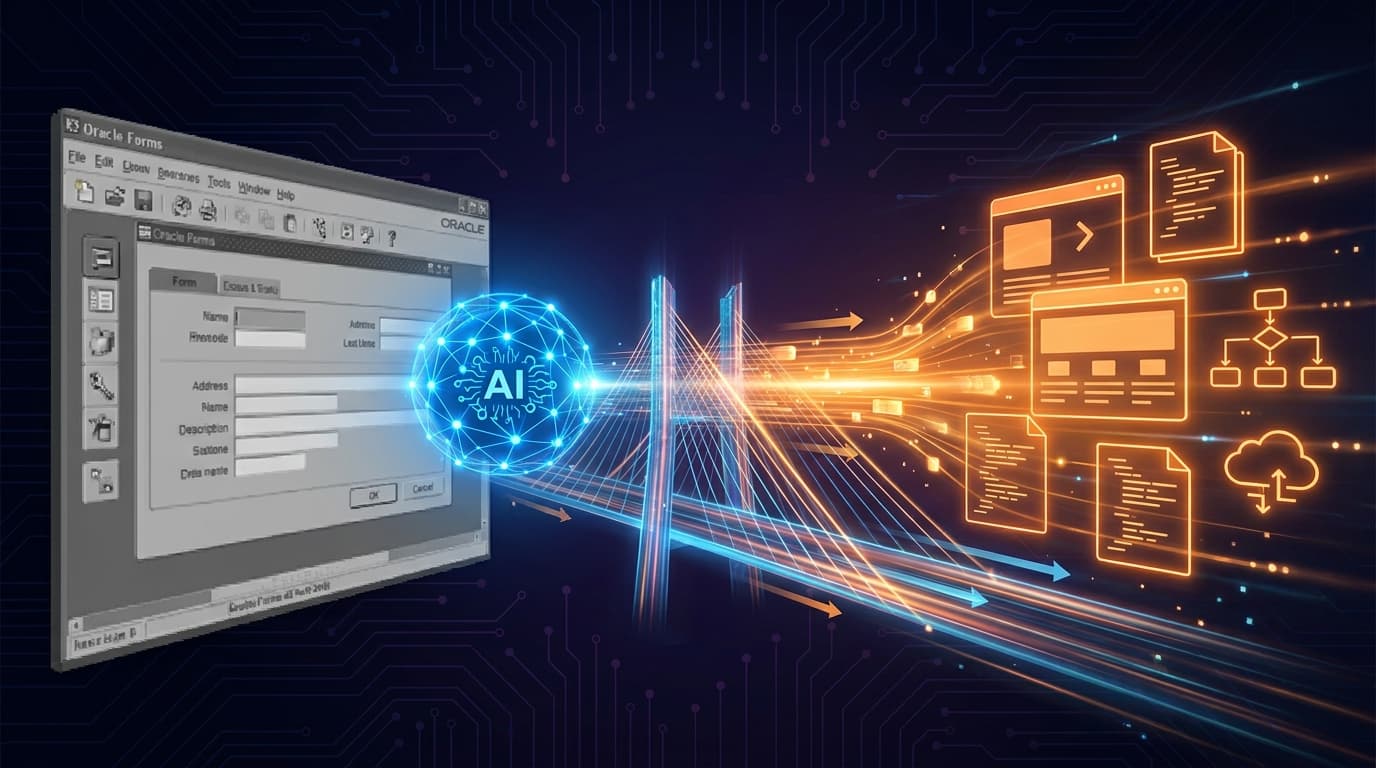
For two decades, Oracle Forms to APEX was a project measured in person-years. A reasonable mid-size estate — say sixty Forms applications — was a multi-year programme, occasionally a decade-long one. The estimating arithmetic has shifted faster than the industry has updated its mental models. AI assistance, used well, turns the project from "modernise the estate" into "modernise ten applications per quarter." Used badly, it produces an unreviewable mess. This is the discipline that separates the two.
Why this is the right moment
Three changes converge to make AI-assisted Forms-to-APEX viable in 2026:
- APEXlang. APEX 26.1 finally gives Forms-to-APEX projects a target format that is diffable, reviewable and Git-versionable. The agent emits APEXlang; the human reviews APEXlang. The artefact and the review surface are the same thing.
- Agentic coding tools. Claude Code, OpenCode and similar agents can read large legacy codebases, hold context across hundreds of files, and emit structured proposals. Pre-2026 tooling could not credibly do this.
- Better Oracle ecosystem instrumentation. SQL Developer for VS Code, APEXlang validation in SQLcl, and the structured nature of Forms metadata all make agent ingestion easier than it was two years ago.
None of these alone is the unlock. Together they cross a useful threshold.
What "AI-assisted" actually means in practice
Be specific about the workflow. AI assistance in Forms-to-APEX is not "the agent migrates the application." It is a structured collaboration:
- The agent reads the Forms application. Metadata, triggers, PL/SQL blocks, master-detail relationships, validation rules.
- The agent produces a structured analysis. Inventory of pages, blocks, triggers; flags for unusual patterns; mapping to APEX equivalents where natural; explicit "needs human" calls where the source uses constructs APEX cannot trivially express.
- A human developer reviews the analysis. Confirms or corrects the mapping. Decides whether to preserve, simplify or redesign the page.
- The agent generates APEXlang for the approved mapping. Pages, regions, items, processes — all in
.apxfiles, ready to commit. - The developer reviews and tunes. Either at the APEXlang level or in App Builder after import.
- Standard testing and deployment. Functional tests, UAT, deployment through the normal APEX pipeline.
The agent does the reading and the first draft. The human does the judgement and the polish. The split is what makes the time savings real.
Where the time savings actually come from
Honest accounting of where AI helps in a Forms-to-APEX project:
- Discovery. The agent reading sixty applications and producing a structured inventory in days, not weeks, is the largest single time win.
- Mapping. "This Forms construct corresponds to that APEX pattern" decisions, made consistently across the estate, save weeks of repetitive deliberation.
- First-draft generation. APEXlang for a typical CRUD page comes from a five-minute prompt-and-review cycle, not a half-day of build-and-test.
- Documentation. The agent can write the "what this page does" documentation as it migrates, eliminating the documentation debt that always accompanies these projects.
Where AI does not help much: complex business logic in PL/SQL that needs human re-architecting; integration with neighbouring systems whose contracts have to be respected; UX redesign decisions that benefit from a designer's eye. Those still take human time.
The discipline that makes it safe
The failure mode is well-known: an enthusiastic team lets the agent emit unreviewed APEXlang for forty applications, merges them, and discovers six months later that subtle business logic was lost. The discipline that prevents this:
One application as the canary. Migrate a single mid-complexity application end-to-end. Read every line of the generated APEXlang. Test exhaustively. The lessons from this one application calibrate every subsequent batch.
Defined review gates. The pseudo-code review checkpoint that Oracle built into the APEX AI generator is not optional for Forms-to-APEX migrations. The team reviews and edits the pseudo-code before APEXlang generation. Skipping this step is what produces silent business-logic loss.
Behavioural regression tests. Before migration, capture the visible behaviour of each Forms application — input/output pairs across the meaningful paths. After migration, the APEX version must reproduce that behaviour. Tests are the safety net the agent cannot provide.
Staged rollout in production. Even after successful UAT, deploy to a subset of users first. Forms applications often have long-tenured users with edge-case workflows; the staged rollout catches those.
The teams that compress Forms-to-APEX from years to quarters are not the ones with the best AI tooling. They are the ones with the cleanest review discipline.
An economic model that holds up
For a Mittelstand enterprise with thirty to sixty Forms applications, a realistic 2026 plan:
- Quarter 1: Set up the AI-assisted workflow on one canary application. Build the regression-test harness. Calibrate effort estimates.
- Quarter 2: Migrate six to ten applications using the calibrated workflow. Run them in parallel with the legacy Forms for one cycle.
- Quarter 3: Cut over Q2 batch; migrate the next ten.
- Quarter 4: Continue the cadence; start retiring infrastructure.
A programme that would have run three years becomes a programme that runs one year. The savings are real, but only if the discipline holds at every batch.
What this means for vendor selection
If you are selecting a partner or platform for this work, the questions worth asking go beyond "do you use AI":
- What is the review checkpoint between agent generation and merge?
- What regression-test pattern do you use to verify behavioural parity?
- What is the rollback path if a migrated application misbehaves in production?
- How do you handle the long tail of Forms-specific behaviours (custom record groups, Forms-specific menus, embedded WebUtil calls) that APEX does not natively express?
Vendors who answer these questions concretely have done the work. Vendors who answer with generalities have not.
The shift this implies
For ten years the conventional wisdom about Forms estates was "we will retire them eventually." That horizon was so far away that retirement plans rarely advanced. The 2026 economics make retirement a practical near-term project. For DACH Mittelstand enterprises sitting on a Forms estate, this is the year the project moves from "we should think about it" to "we are doing it." The companies that miss the shift will still be running Forms in 2030, paying the support costs and the recruiting costs and the integration costs. The companies that engage will be running APEX 26.x with a clean modernisation story and a smaller bill.